Your AI Tool Works. Nobody Can See It Working.
Most of the AI workflows that stall inside revenue teams work fine. What's missing is anything the person accountable for them can look at on Monday morning. Here's how to test for that before you build, and what to build when the answer is nothing.
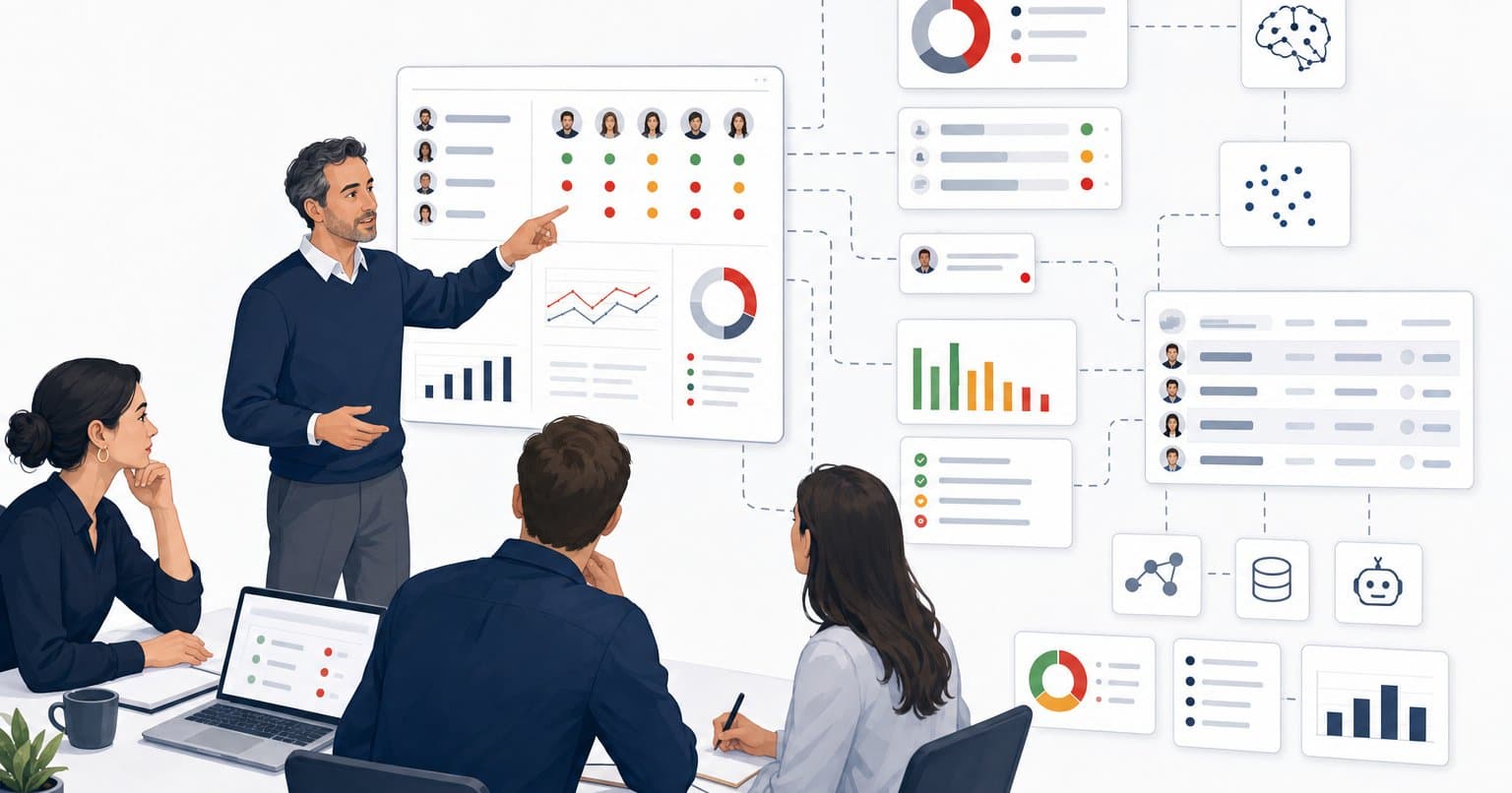
Ask whoever owns your newest AI workflow one question: where would I go to see what it did last week? If the answer is a login nobody remembers, a log file, or “I can pull that for you,” the workflow is already on its way to shelfware. How well it works doesn’t change that.
That sounds backwards, so here’s the full claim. The AI tools I see stall inside sales and marketing teams are rarely failing at the job they were built to do. They fail at the layer around the job, the place where results land, get kept, and show up in front of the person who has to trust them. Engineers call that layer observability, which is a technical way of asking whether anyone can see what the system did without having to ask. Leave it out and a working tool turns into one nobody relies on. The work it was meant to absorb drifts back onto somebody’s desk, and the invoice keeps arriving.
“Where can I see how they did?”
Here’s a version I walked into. A sales team had an enablement agent built for them, and their account executives (AEs) could ask it real questions about the product and the sales process and get real answers back. Every response got scored against a rubric. By any test you’d run in a demo, it worked.
The sales manager’s first question was simple, and it’s the question this whole piece hangs on: where can I see how they did?
There wasn’t a good answer. The scores lived for a moment inside each conversation and then went nowhere. Nothing stored them, and no view rolled them up by rep or by week. So the manager did the sensible thing and went back to grading by hand, sitting right next to a tool built to make the hand-grading unnecessary. The agent stayed deployed. On paper it was adopted. In practice, the manager had taken the job back.
That’s about where I came in. The agent answered well, and the manager did exactly what a good manager does with a result they can’t check, which is decline to rely on it until they can. Nobody on that build was careless. Almost every AI build is set up to make the same miss.
Demos sell what the AI can do. Managers need to see what it did.
The scoping conversation for an AI workflow nearly always opens on the same question: what should it do? The model, the prompt, the integrations, the scoring rubric. That’s what a vendor demos and what a statement of work (SOW) spells out line by line. The operator’s view, if it shows up at all, gets filed under “reporting” and pushed to phase two.
Where this gets tricky is that the person who has to change their behavior is usually the one person the build left out. Your reps are the users. Your manager is the operator: accountable for the outcome, and the one who decides every Monday whether to trust the tool or do the work again themselves. Give that person nothing to look at and you’ve asked them to run their team on faith every week, with their own number on the line. Managers are paid not to.
There’s a human side to this that a better model won’t fix. People push back on change when they can’t see why it’s working, and a manager won’t hand off the grading of their team to something they can’t check. They shouldn’t. Trust in a tool builds the same way trust in a new hire does, through watching it get things right week after week, and that requires something to watch.
In August I wrote about the rung of AI maturity where you could rip AI out tomorrow and nothing would break. Shelfware is one of the less obvious ways a team ends up there. The tool keeps running and the subscription renews. Pull it out and nothing breaks, because nobody was depending on it anymore.
The boring part of buying software is the part AI builds skip
Think about the last time your team bought a CRM or a call recording platform. Somebody wrote a business case. It named the problem, the result you expected, and how you’d know two quarters later whether you got it. Finance signed off on it, and someone owned the answer at renewal. Dull as that process is, it’s the reason most software purchases can answer the question “was it worth it?”
AI projects skip that step far more often than they should. Part of it is cost, because a pilot is a few seat licenses or a few weeks of someone’s time, which rarely trips the threshold that triggers a business case. Part of it is speed. When you can stand up a working agent in a week, stopping to write down what it’s supposed to change feels like overhead. Then a few months later somebody asks what the company got for the time and money, and nobody can answer, because nobody agreed on the question in the first place.
The missing dashboard in my story is the visible symptom. Underneath it sits a missing sentence: what result is this supposed to produce, and how will we measure it?
You can’t skip the fundamentals because the tool is new. Write down what you expect the build to change, get the person who’ll own it to agree, and decide how you’ll measure it before anyone writes a prompt. That one page is your business case, and it’s the only honest way to know whether the build paid back what went into it. It’s also the spec for the view, because whatever you agreed to measure is exactly what the operator needs to see on Monday morning.
Here’s the part that makes this easier than it sounds: AI is good at holding you to it. Before you build, paste your plan into Claude or ChatGPT and ask for a skeptic’s review instead of help. Ask a model to help and it will happily help you build the wrong thing faster. Tell it to poke holes and it asks the questions your finance team would have asked if the project had been big enough to reach them. I made the longer case for this in Stop Using AI to Agree With You, and it applies to build plans as much as it does to deals.
This is the prompt I’d start with:
I’m about to build an AI workflow for my team. My plan is below.
Act as a skeptical CFO reviewing this before approving the time and budget. Don’t help me build it yet. Tell me:
- The result I’m claiming this will produce, in one sentence. If my plan doesn’t state one, say so and stop there.
- How that result gets measured, what the number is today, and what it would need to be in 90 days for this to be worth the investment.
- Who owns that number, and what they will look at each week to know it’s working.
- What that person is doing by hand today that this is meant to replace, and what would stop them from handing it over.
- The most likely reasons this is deployed but unused six months from now.
Push back on anything vague. Don’t soften it, and don’t suggest features until I’ve answered 1 through 3.
[paste your plan here]
If it can’t find a one-sentence result in your plan, that’s the first answer, and it’s worth more than anything you’d have built that week.
The Monday-morning test
Before you build an AI workflow, or try to rescue one that’s gone quiet, ask the operator one question: what will you look at on Monday morning to know this worked last week?
If the answer is a specific thing in a specific place, build toward it. If the answer is a shrug, the shrug is your build, and it’s usually smaller than the one in the SOW.
In practice, there’s real difficulty in putting this test to work. Your operator often can’t answer it, because they’ve never had a view like this and don’t know what to ask for. So come at it sideways. Ask what they’re still doing by hand that the tool was supposed to take over. Whatever they name is what they’ll keep doing until they can see the tool doing it for them, and that list is your spec.
A few things that make the answer stick:
Do
- Write down the result you expect and how you’ll measure it, and get the operator to agree to it, before the build starts.
- Name the operator. It’s the person accountable for the result, which is often neither the person who bought the tool nor the people who use it.
- Keep every result, including the boring ones. One score tells a manager almost nothing. Six weeks of scores by rep tells them who to coach next.
- Put the view where the operator already looks. A section in the pipeline review you already run, or a short weekly email, beats a new dashboard behind a new login.
- Give it a slot on the calendar. A view nobody has a scheduled reason to open turns into a report nobody opens, so tie it to a meeting that already happens.
- Bring the work to the people it’s for. An agent that waits to be asked mostly gets used by the people who would have done the training anyway, so push it out on a schedule.
- Scope the view in the original build, at the same priority as the model.
Don’t
- Count logins as adoption. Activity tells the manager someone opened the tool, and nothing about whether they learned anything.
- Wait for the operator to complain. Most won’t. They’ll take the work back without a word, and you’ll find out at renewal.
What fixed it
I added three things. Every score now lands somewhere it’s kept. The manager has a dashboard that shows the team by rep and over time, so nothing gets reconstructed by hand. And the training goes out to the AEs on a schedule instead of waiting for each of them to start a session on their own. Once the manager could see how the team was doing, the hand-grading stopped, and the agent started carrying the load it was built for.
The agent’s answers were already good. The first two fixes are observability, aimed at the manager. The third is the same problem from the AE’s side of the desk, because a tool that waits to be asked only gets seen by the people who already go looking. What the agent lacked was a way to prove itself to the one person whose trust it needed, and a way to reach the people it was built to train.
The point
If an AI workflow on your team has gone quiet, look at the operator before you look at the model. Ask what they see on Monday morning. If the answer is nothing, build that first, keep it smaller than you think it needs to be, and give it a standing slot in a meeting that already exists. Then ask again in six weeks what they’re still doing by hand. And on the next build, do the boring part first: write down what it’s supposed to change and how you’ll know.
People trust a tool about as far as they can see it work. Most AI builds forget to give them the view.
Frequently Asked Questions
Why do AI workflows become shelfware even when they work?
Without observability—a visible place managers can check results—they can't verify the tool works. Managers default to doing the work themselves rather than trusting something they can't see.
What should you ask before building an AI workflow?
Ask the operator: What will you look at Monday morning to know this worked? If they can't answer, your spec is incomplete. This question reveals what you actually need to build.
How do you prevent AI projects from failing at adoption?
Write a one-page business case naming the result, how you'll measure it, and who owns it. Get stakeholder agreement before building. Use an AI model to stress-test your plan skeptically.
Who is the operator in an AI workflow?
The person accountable for the outcome—usually a manager, not the end user. They decide weekly whether to trust the tool or revert to manual work.
What's the difference between demos and real adoption?
Demos show what the AI can do in ideal conditions. Real adoption requires operators to see what it actually did last week, by rep, by metric, consistently.